7 Hooks. One Timeline.
Modern software engineering doesn't happen in a single window. You debug a failing test in your terminal, inspect three files in VS Code, delegate a refactor to Claude Code or Codex CLI, commit the fix in Git, and brainstorm architecture on your phone after dinner.
Traditional time trackers only tell you that you spent 6.2 hours with VS Code in the foreground. They don't tell you what you actually built.
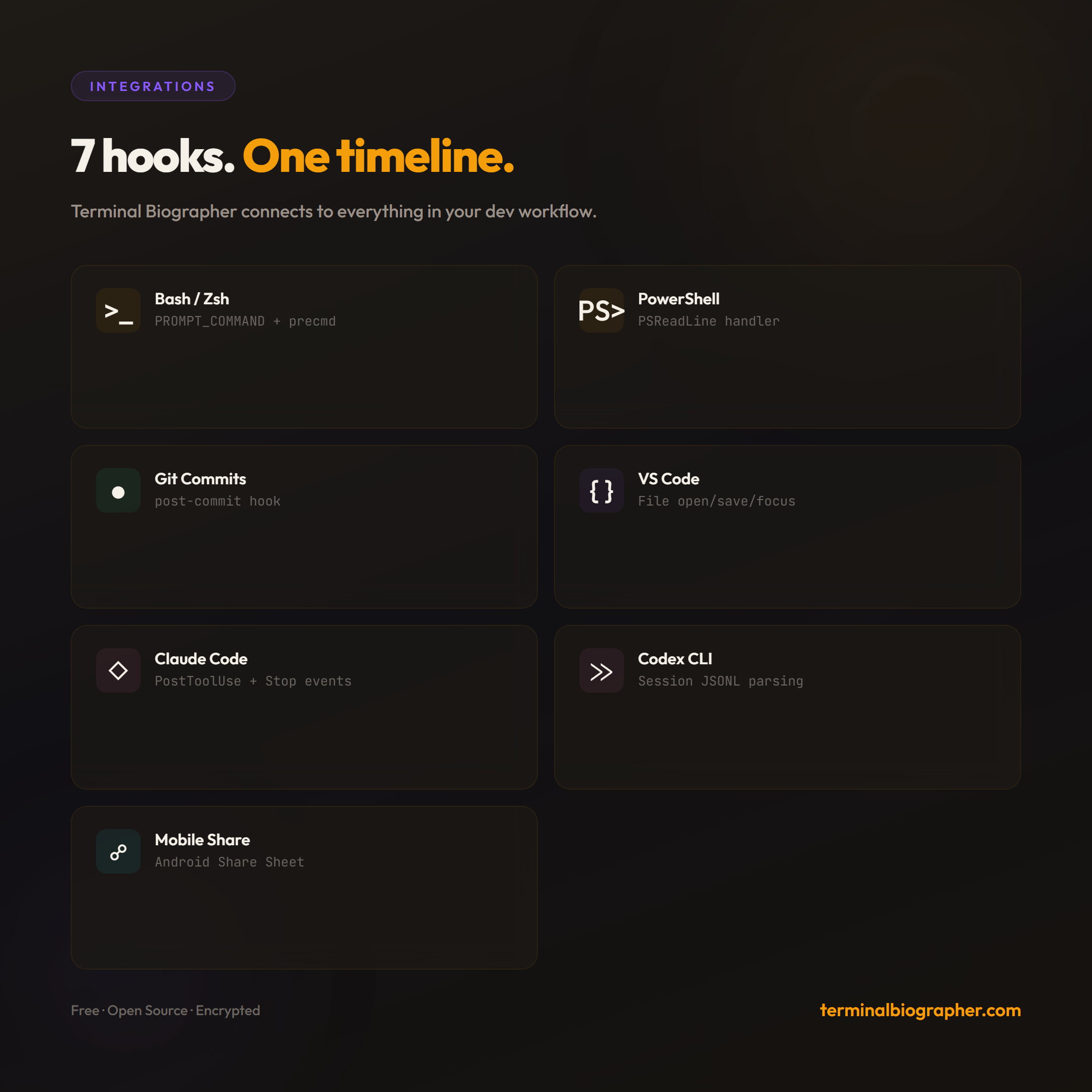
The 7 Capture Integrations
- 1. Bash & Zsh:
PROMPT_COMMANDandprecmdhooks capture commands, working directories, exit codes, and durations. - 2. PowerShell: Native
PSReadLinehandler for Windows and cross-platform PowerShell 7+. - 3. Git Commits:
post-commithook logs branch, commit hash, message, and diff stats. - 4. VS Code: Lightweight extension tracking file opens, saves, and active workspace focus.
- 5. Claude Code:
PostToolUseandStophooks capture which files the AI agent touched and what it accomplished. - 6. Codex CLI: Session JSONL stream parser linking CLI agent runs to your project timeline.
- 7. Android Share Sheet: Share conversations from Claude, ChatGPT, or Gemini mobile directly into your daily work log.
At the end of the day, Terminal Biographer synthesizes all seven streams into three ready-to-use outputs: a structured Ops Report, a narrative Blog Post, and a hook-driven LinkedIn Post.
Connect Your Workflow
See how all 7 capture hooks install in under 60 seconds.
View All 7 Integrations